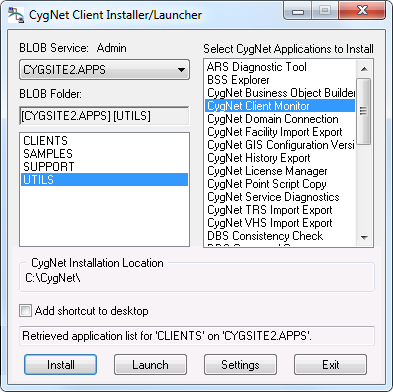
Open the CygNet Client Installer (Start Menu > All Programs > CygNet > CygNet Client Installer). The CygNet Client Installer/Launcher dialog box will be displayed.
Note: You will need to run the CygNet Client Installer as an administrator, click Run as administrator, and type an administrative password at the elevation prompt. See CygNet Client Installer for more information about UAC.
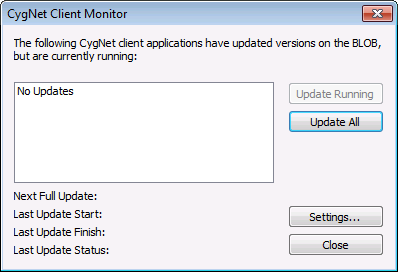
 ), or right-click the icon and select Open CygNet Client Monitor.