Note: See Device-Specific Property Pages for more information about property page content.
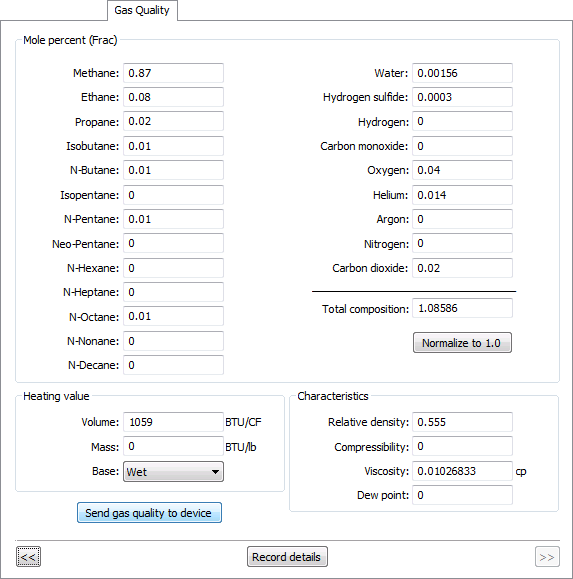
You can use the Configuration data view to send gas quality information from a selected configuration log entry to the device, by executing a Send Gas Quality command. The request can be initiated via the Configuration data view context menu or via the Node's Gas Quality property page.
Note: The option to initiate a Send Gas Quality to Device command is made available via the Configuration data view unless a gas analysis record is also available for that time. If a gas analysis record is also available, the send option appears dimmed in the Configuration data view, but is made available via the Gas Analysis data view so that the preferred data can be sent. See Sending Gas Quality to a Device from the Gas Analysis Data View for more information.
You must have proper security authorization to send gas quality information to a device. See FMS Security (and CMDDEV security event) for information about configuring security access.
See Configuring Send Gas Quality Commands for more information about the command that is sent.
See Gas Analysis and Gas Quality Data in the CygNet Measurement Concepts topic for a discussion about gas quality and gas analysis data.
Gas quality information contained in a configuration log entry for a selected Node can be sent directly to the device using one of the following procedures.
To Send Gas Quality to a Device from the Context Menu
To Send Gas Quality to a Device from the Gas Quality Property Page
Note: See Device-Specific Property Pages for more information about property page content.

|
|
|

