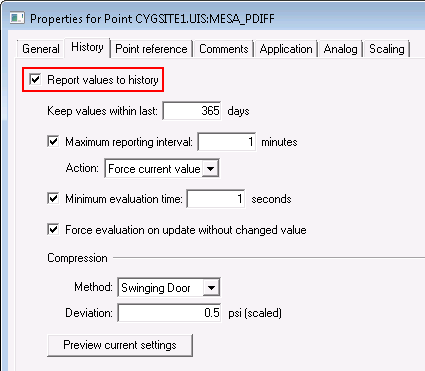
To report a point’s history to the VHS, you must enable its Report values to history setting in its point configuration record on the History page of the PNT editor.
|
|
| Data values for this point will be reported to the VHS |
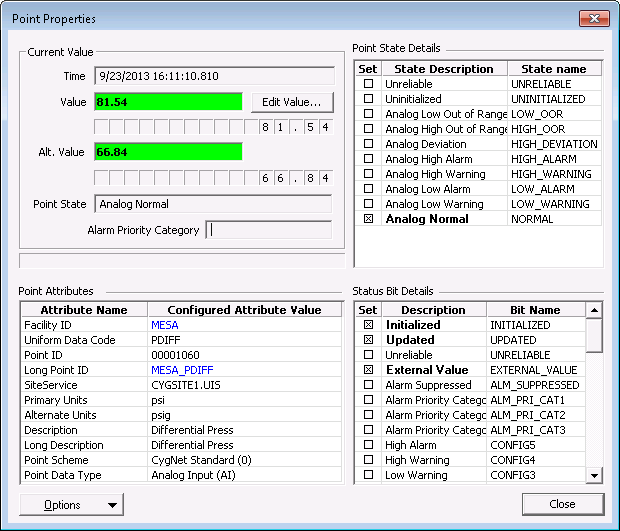
When this option is enabled and the point’s Current Value Services (CVS) gets an update for the point, the system evaluates whether to send the CVS point record to the VHS. The CVS Point Properties record, shown below, contains the value, timestamp, status bits, and other attributes.
More:

|
|
|


