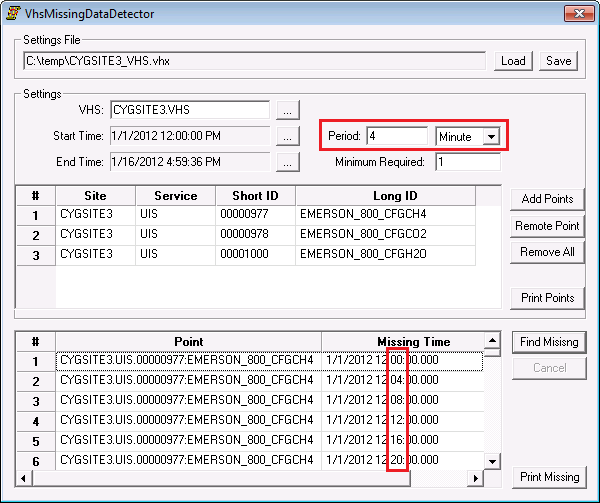
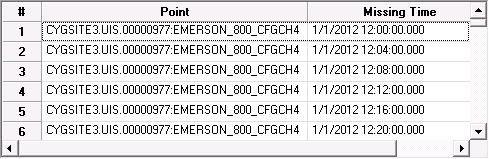
To list missing point values based on your settings criteria, click Find Missing. A list of points is displayed, matching the interval where you were expecting a value and there is missing time.
Click Print Missing to print the missing points.
The following example shows selected points with 4 minutes of missing time between values.
|
|
| VhsMissingDataDetector Dialog Showing a 4-Minute Interval |
Note: Before you click Print Missing, if there is truncated text on the screen because of the overlapping columns, you might want to adjust them for a better-looking print out.

|
|
|

