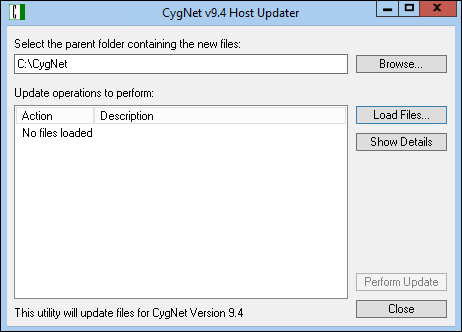
The CygNet Host Updater utility can be used to install new software components and patches on a host server. Service files and utilities are copied from a source file system to the appropriate directories and if necessary registered. Client files are copied to an Update folder and then uploaded to the APPS service directory. The new files are distributed to clients as part of the normal version management process to ensure you are running the most up-to-date version of the file.
For more information see the following subsection:
The CygNet Host Updater utility is stored in the CygNet\Utilities directory (CHostUpdater.exe) and is run on the host server.
Note: Some clients and services must be stopped in order to complete the update. Host Updater will list which clients and services must be stopped as part of the process.
Prior to Performing an Update:
To Update the Host Using CygNet Host Updater
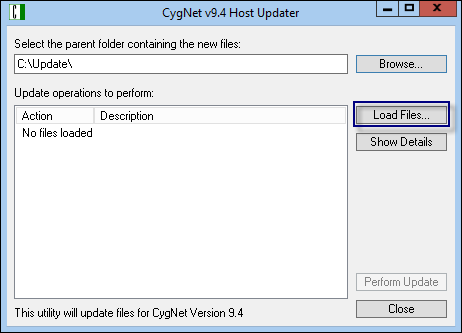
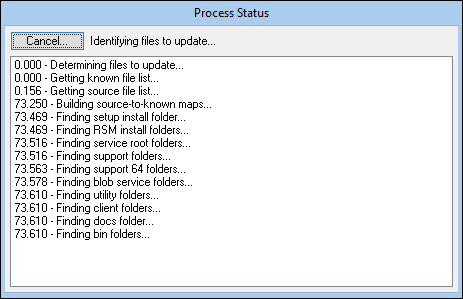
Note: No files are updated during this step.
Example
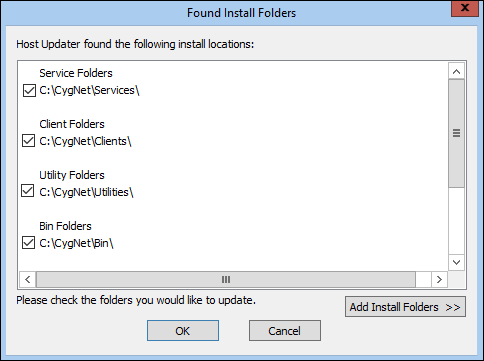
It is not desirable to update the files stored in the system backup directory, or in a custom patch folder.
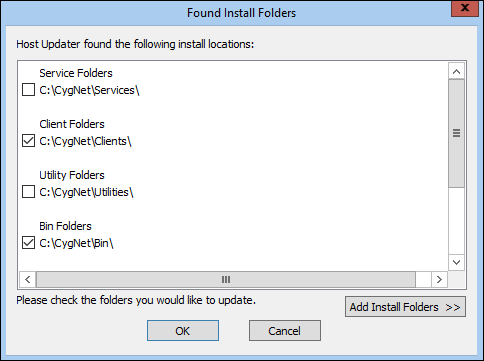
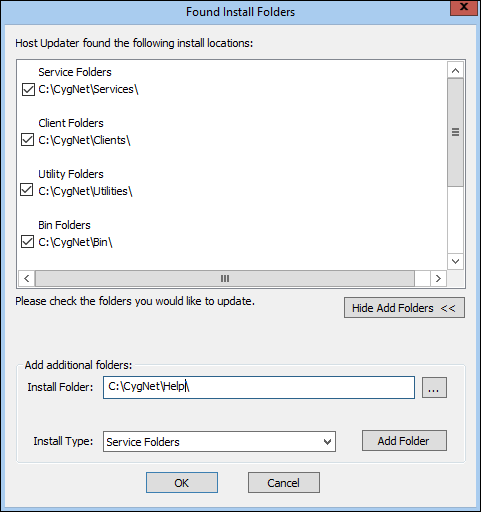
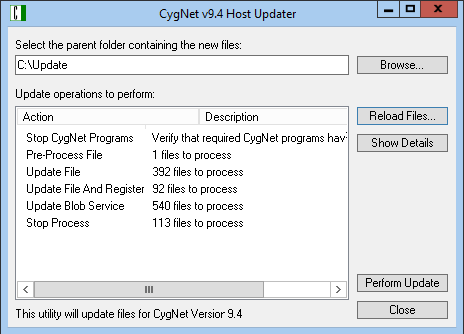
| Action | Description |
|---|---|
|
Update File |
Replaces the local file with the new version of the file from the source. |
|
Update File and Register |
Replaces the local file with the new version of the file from the source and performs a registration step, typically for DLL and OCX files. |
|
Update Blob Service |
Replaces a file in the BLOB service. |
|
Update Blob Service With Time Now |
Replaces a file in the BLOB service and updates its file time. This is used for touching RSP and RSQ files. |
|
Ignore Found File |
Indicates that a file is found in the source directory that cannot be updated, no action is taken. |
Note: Once the update command has been issued there is NO "undo."
Note: Clicking Close will merely abort the operation; it will not restore your files.
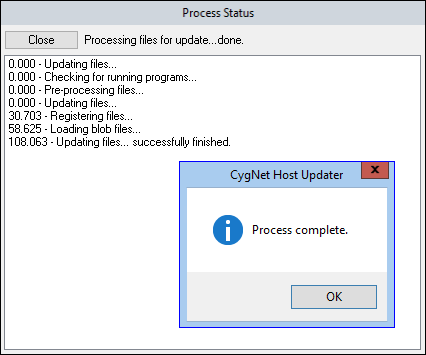
Users need to be cautious when running the CygNet Host Updater utility in an environment running multiple domains that have been fully or partially failed over. It is important to know that CygNet Host Updater is domain-aware and that awareness is of the domain originally installed on the host server, not the domain of the server that is currently running.
In addition to the CygNet Host Updater’s primary function of copying new CygNet files to the local host where the utility is running and dropping files into the APPS service folder, the utility also talks (via CygNet messaging) to any live APPS services in the CygNet environment.
After a full or partial failover, the domain on the server could be different to the one originally installed. CygNet Host Updater (and most other CygNet utilities) assumes that the domain on which it communicates, is the original domain on which the server was installed. After a failover the server is now running on a different domain, and CygNet Host Updater assumes it is talking to services running on the local host, when in fact it may be actually talking to services running on a different host.
This behavior results in CygNet Host Updater doing messaging to one set of services, and updating the local APPS files for a different set of services, which may be not as expected.

|
|
|

