PNT Component-Level Security
Component-level security applied to a PNT record does two things:
- it determines who can edit the record.
- it establishes an Application Override for the point in its target services.
You must have at least Level 2 authorization for the service’s ACCESS event to change the properties of a record.
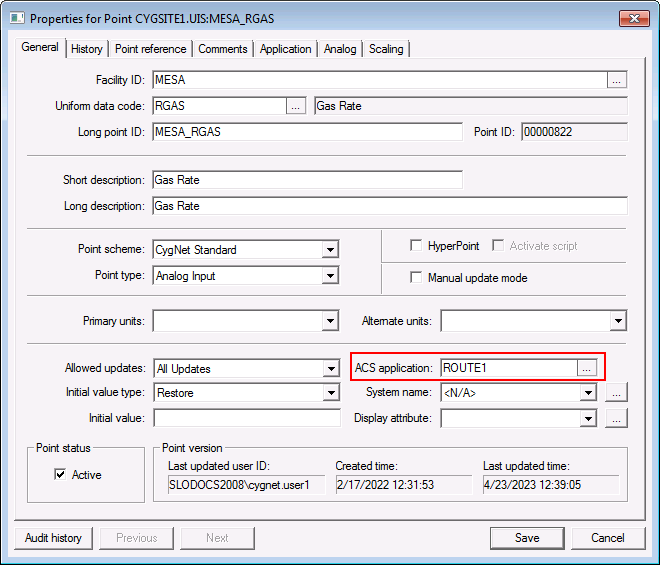
|
| The application that governs PNT component-level security for this point. This is administrative in the PNT and establishes an Application Override for the point in its target services. |
To Configure PNT Component Security
Be sure you understand Application Override before configuring PNT component-level security.
- In the ACS, create an Application for the PNT record. Add Events that are the same name as the target services’ Events and assign permissions for them.
- In the PNT, right-click on the point and click Properties.
- On the General page, click Edit.
- Click … next to ACS Application box and click the Application created in step 1.
- Click OK to apply the selection.
- Click Save to save the change to the point.


