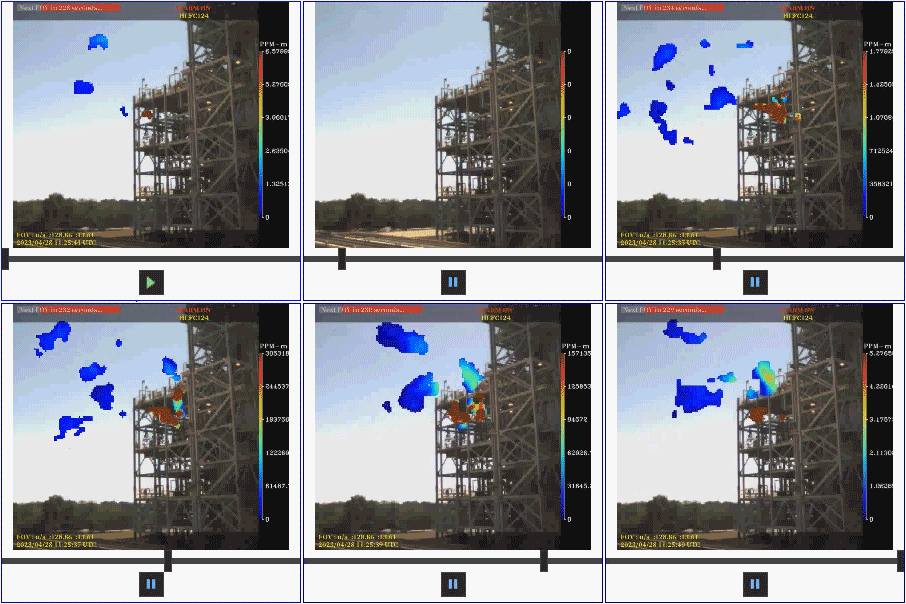
The Media Viewer is a Canvas control that can be used to display videos on your screens. The control supports most widely used video file formats (.mp4, .mov, .wmv, .avi, .flv). The source file path for the video file can be a local or network file-system folder or an APPS or BSS folder. Two playback options are available: Auto, where the video plays continuously in a loop (the user has no control over play and pause functions as those buttons are invisible); or Manual, where playback is handled by play and pause buttons. A slider is always visible in run mode to move the video forwards and backwards. The Media Viewer also supports a configurable border color around the video and controls.
Media Viewer Example
The following image shows a Media Viewer in manual play mode.
|
Sample Media Viewer |