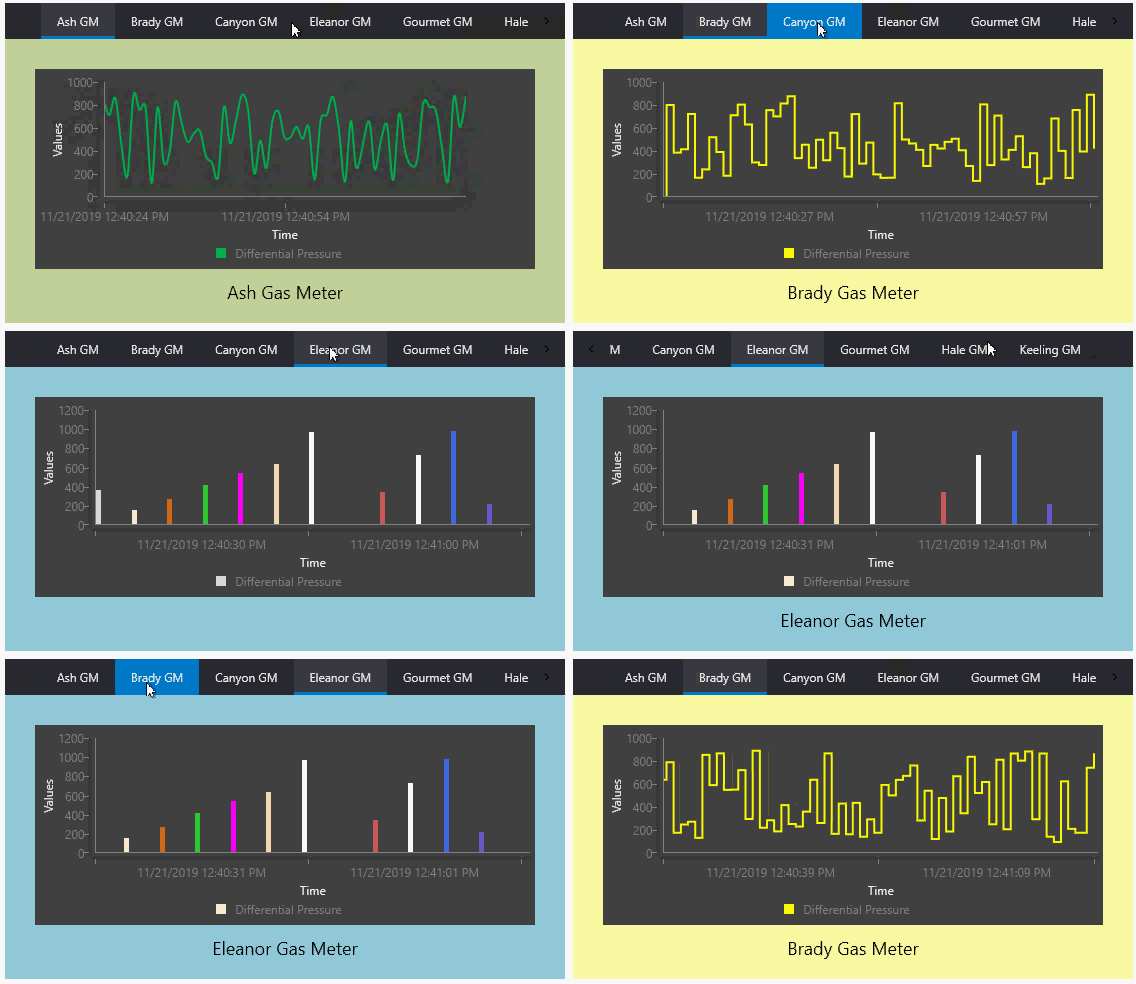
The Tab control is a navigation tool that incorporates a collection of tabs across the top of the control and an optional nested view linked to associated content. The tabs allow you to easily switch between different Canvas screens and objects within a single container. The path to the linked screen can be a local or network Windows file-system folder or a CygNet APPS or BSS folder. The nested view is only visible if a screen path is configured for that particular tab. The tab control is a lighter version of the Navigator.