 The Map control is a CygNet-aware tool that can be used to give geographical context to your facility data. The map supports multiple map layers, which can be used to display CygNet facility location data via three types of visual items, including:
- Image — an image or an icon, for example, an oil droplet image shown at a well site
- Shape — a customized geometric shape, for example, a diamond showing information about the facility
- Object — a Canvas object containing, for example, a donut or linear gauge showing information about the facility
Some preconfiguration is required in the Facility service to store a facility's latitude and longitude location coordinates in facility attributes. Canvas’ global map settings in the Canvas backstage view must be configured to indicate the map provider (Microsoft's Bing maps or Open Street Maps), the API key, and the facility attributes used to store the location data. Other configurable properties include the map units, map mode, zoom level, and the map's center when first displayed. You can also restrict a map layer’s visual items to a zoom range, meaning you can display different visuals as you zoom in and out of a map. The facility source for each map layer can be explicitly configured and filtered, or inherited from the screen. The map acts as a facility sender and is limited to a specific map layer, which can be designated as the facility source on any other control configured to receive it. Whenever the visible items are updated (via pan, zoom, etc.) the dependent control’s facilities are updated accordingly. Other run-mode features include a map view control, a navigation control for panning around the map, a zoom level control, a mini map, mouse position coordinates, and a map scale.
Map Example
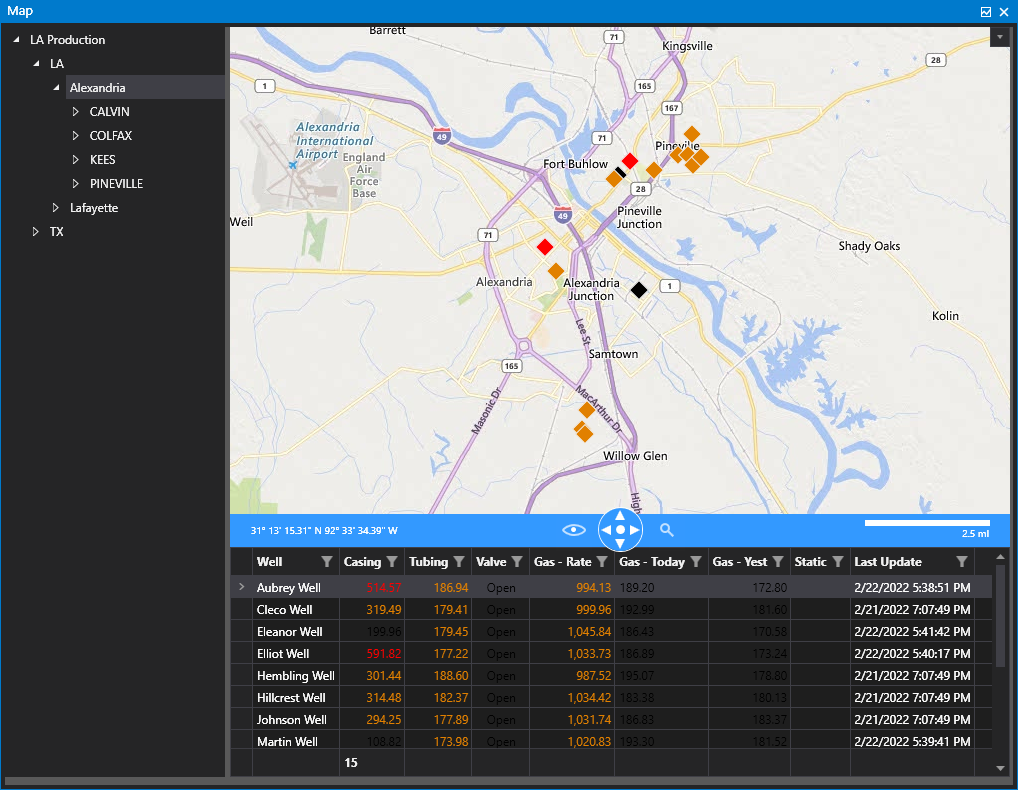
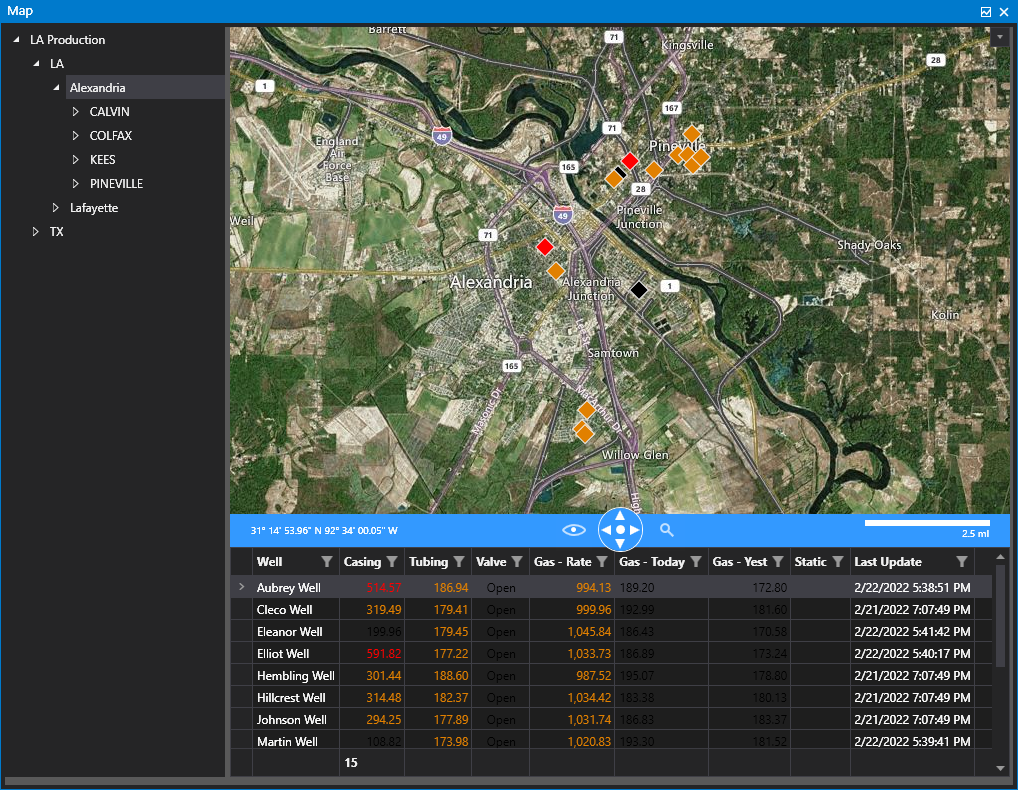
The following images show a map control driven by a Tag Chooser along with an associated CygNet grid displaying data from the facilities shown on the map.
|
Click the thumbnail to see a sample Map in Road mode |
Click the thumbnail to see a sample Map in Aerial mode |
Map Configuration
Before adding a map control to a Canvas screen, you must first configure the global map settings in the Backstage view. Global map settings include the map provider, API key, and the CygNet facility attributes where latitude and longitude coordinates are stored. See Configuring Map Settings for more information.
Property Inheritance
Property Inheritance
Property inheritance is a widely used concept in Canvas. The application supports an explicit relationship between screens, objects, and controls, where certain property values, such as SiteService and facility tags, are passed from one element to another via an inheritance framework. Screens, objects, and controls can be configured as property senders or property receivers and provide configuration options where you can explicitly define the source of the SiteService and facility. Depending on how you have your screens, objects, and controls set up, the SiteService and facility may come from any one of the following sources:
- from itself — indicated by selecting <Self> and then explicitly configuring the property
- inherited from the screen — indicated by selecting Screen, which is always present as a sender
- inherited from another control — indicated by selecting the Name of the sending control
Broadcasting
Screens and objects support an additional notification option to broadcast their SiteService and facility selection changes to other open screens running in the Canvas or Canvas View application. If configured, a <Broadcast> option is available to source the screen's SiteService and facility properties from another open screen.
For example, a text tool can be configured to get its facility from the screen and the screen can be configured to get its facility from a tag chooser. Or Screen_A might source its facility from Screen_B, which gets its facility from a tag chooser.
Receiver or Sender
The Map control supports property inheritance as a sender of its layer's facility:
| Receive from | Send to | ||
|---|---|---|---|
| SiteService | Facility | SiteService | Facility |
| screen | screen | none | screen other controls (layer) |


