Inhibited Alarm Query Screen
The Inhibited Alarm Query screen (Inhibited Query.csf) is used to display those points whose alarms were suppressed in the date range specified.
|
Click the thumbnail to see |
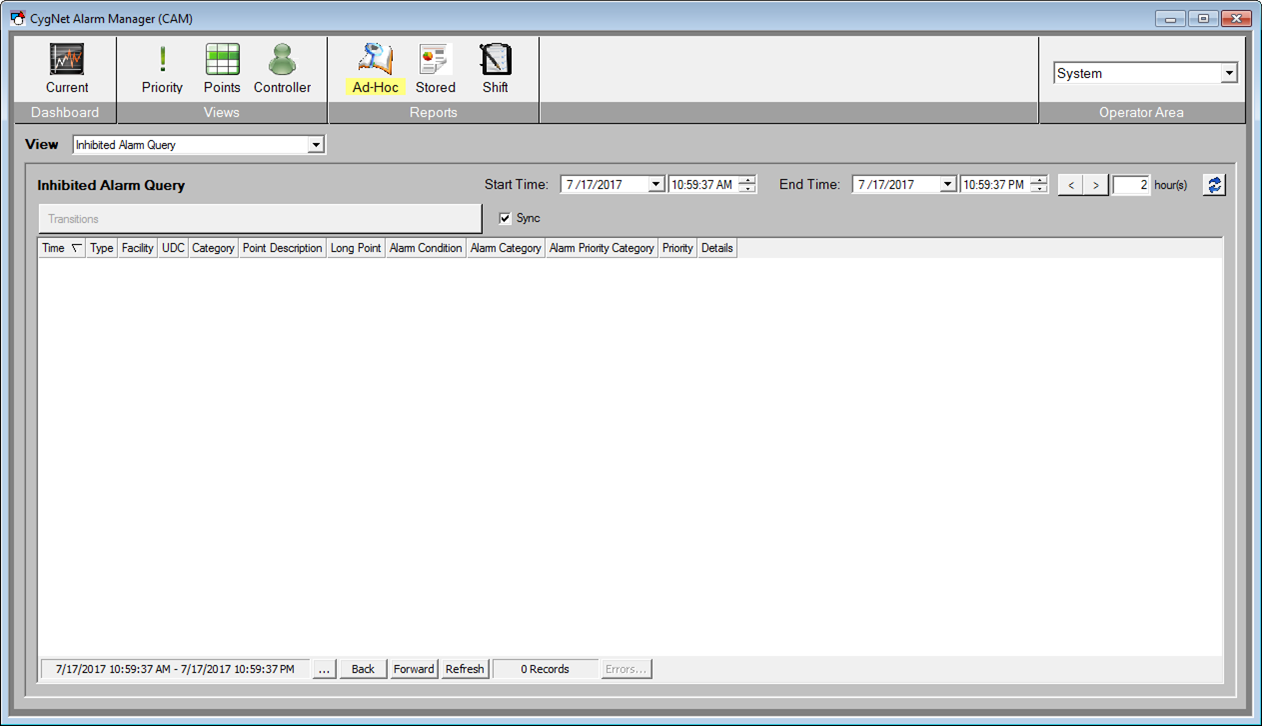
The Alarms section of the screen uses a CygNet Event Summary Control and its configuration is populated at runtime.
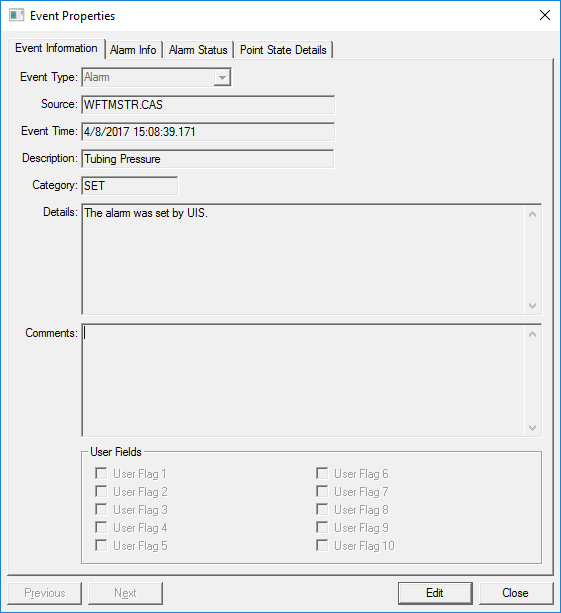
When an event in the Alarms list is double-clicked, the standard CygNet Event Properties dialog box is displayed and can be used for additional information about the individual event.
|
Event Properties dialog box |
When an event (or point) is selected in the list, the View Transitions button will be enabled and display the associated point to that particular Alarm.
|
View Transitions button |

Select View Transitions to open the Point Transition Detail screen for more detailed information about the particular point. This screen shows not only the "SET" alarms, but "RESETS", "ACKS", and other states.
If the Sync check box  is selected and the Point Transition Detail screen is opened, when a new Alarm is selected in the KPI Detail screen and represents a new point, then that new point will be displayed in the Point Transition Detail screen.


