CygNet Alarm Manager Main Screen
The CygNet Alarm Manager (CAM) Main screen (CAM.csf) screen is the main screen for the CAM.
On it is a series of Navigation buttons for displaying various screens as well as a drop-down selection list for Operator Area.
At design time, the screen looks like this:
|
Click the thumbnail to see |
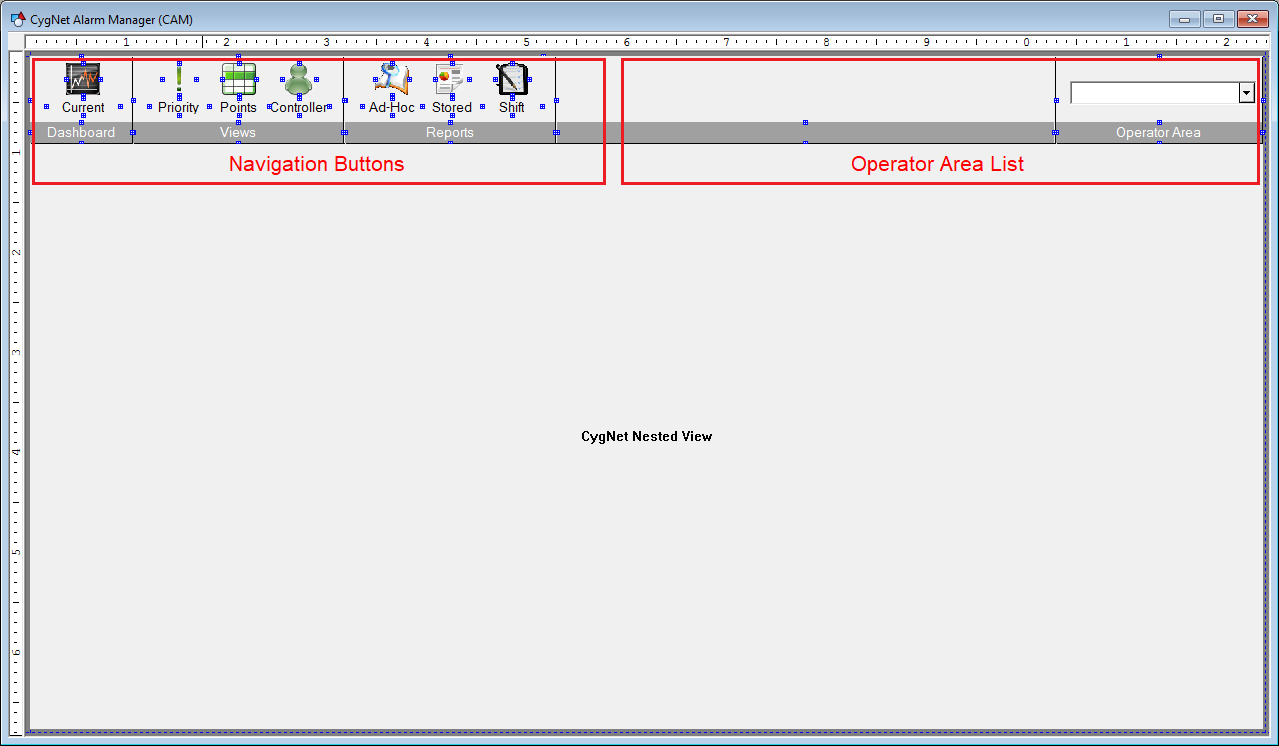
The Navigation Buttons section is a series of text tools and image tools with script on the EventClick event.
The Operator Area List is described in the Area of Responsibility section.
The first screen that is loaded into the Nested View Tool when CAM.csf is loaded is the CRM Dashboard.csf screen.


