Manage by Points View Screen
The Manage by Points View screen (CRM Points List Mgmt.csf) is used to show all points for a selected facility.
|
Click the thumbnail to see |
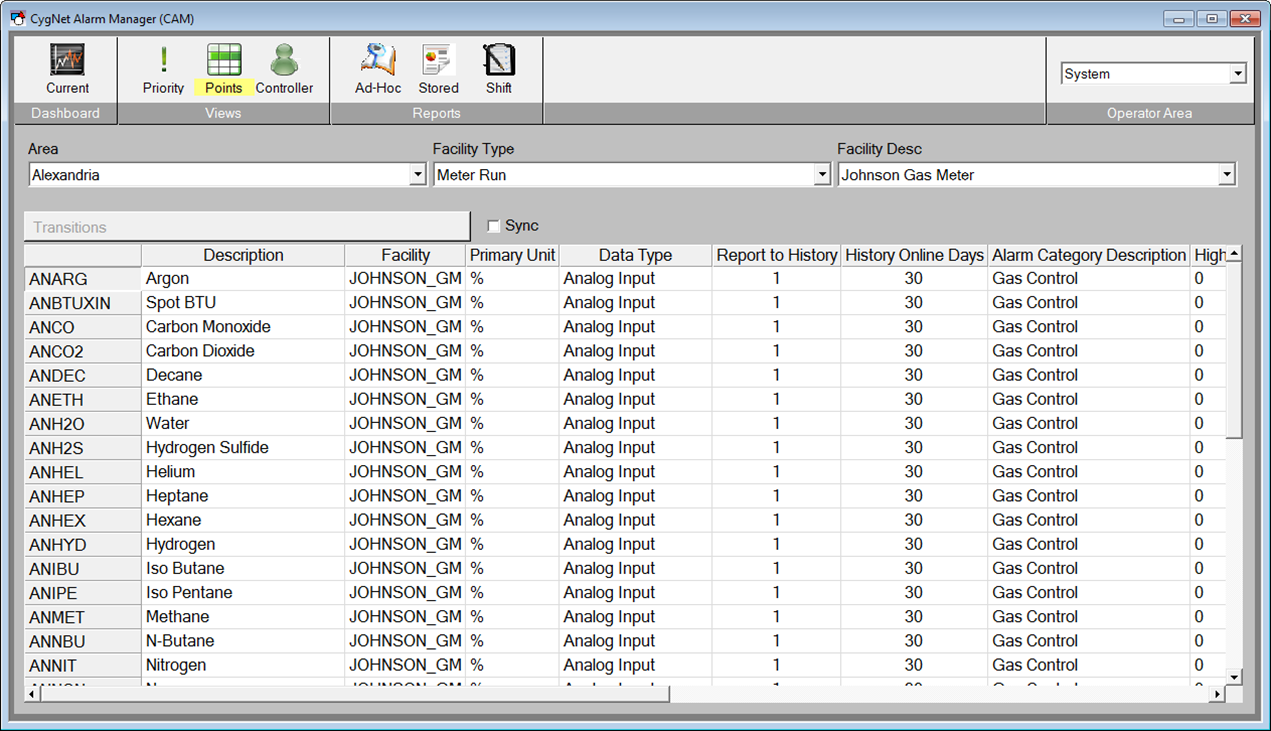
This screen has a Facility Navigation Bar Control and the levels will need to be modified to accommodate customer specific requirements. The default levels pre-configured are Area (Facility Attribute 21), Facility Type, and then Facility Description.
When an event (or point) is selected in the list, the View Transitions button will be enabled and display the associated point to that particular Alarm.
|
View Transitions button |

Select View Transitions to open the Point Transition Detail screen for more detailed information about the particular point. This screen shows not only the "SET" alarms, but "RESETS", "ACKS", and other states.
If the Sync check box  is selected and the Point Transition Detail screen is opened, when a new Alarm is selected in the KPI Detail screen and represents a new point, then that new point will be displayed in the Point Transition Detail screen.


