Previewing Files
You can use CygNet Depot to preview lots of different types of files: Studio screens, scripts, xml, text files, PDF documents, Excel spreadsheets, image files).
To preview a file
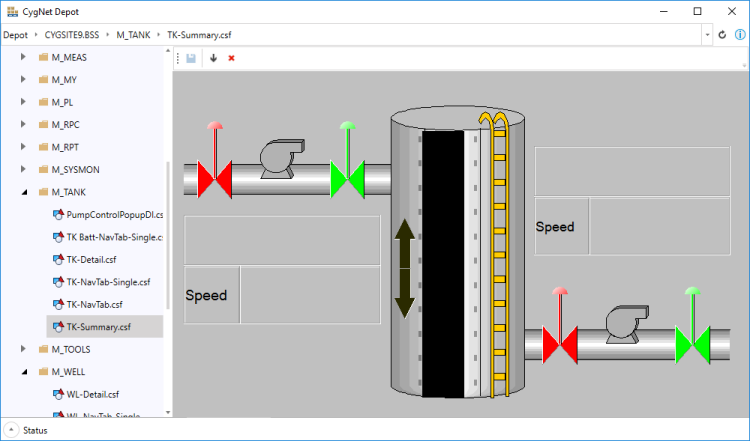
- Using the Browsing Tree on the left, navigate through your APPS, BSS, or Group services to find the file you want to preview.
- Click on the file name and the contents will be previewed in the View Area on the right.
- Unsupported file types will show "No preview available".
- In the toolbar of the View Area, you can save, download, or delete the selected file.
- Click
 to save the selected file, if edited. See Editing Text Files for more information.
 - Click
 to download the selected file.
 - Click
 to delete the selected file.
- Click
|
Preview CygNet Studio Screens |