 to open the Facility Navigation dialog box.
Canvas supports navigation to a specific screen by selecting a CygNet facility. You can also specify optional facility record properties to be included when the navigation is triggered. This Navigation by Facility feature requires global configuration of the facility attribute that contains the path to the screen that will be displayed when the navigation via facility is requested.
Any Canvas screen, the Alarm Notifier, and the Search Box control use navigation by facility to link to a facility's associated screen.
These settings are saved in XML format as part of the global settings file (.gsf) for your Canvas application and applied to all instances of Canvas.
You must tell Canvas the facility attribute that contains the associated screen. In the same dialog box, you can configure other facility record properties to send along when the navigation is triggered.
to open the Facility Navigation dialog box.
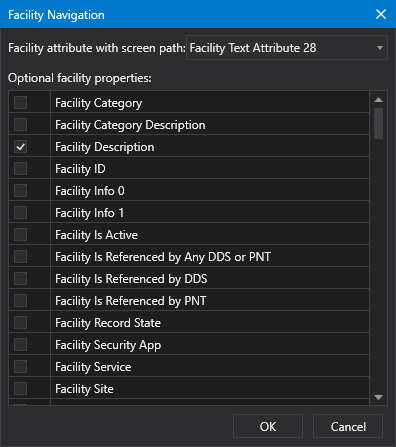
Facility navigation configuration
|
|
|

